
安装PDF转Markdown工具-Marker-阿里云-centos7
工具介绍:一个PDF转Markdown工具,高精准识别,自动去干扰元素,和LLM更配哦!Star 15K+!
anaconda安装: Anaconda安装-阿里云-centos7
pytorch安装:服务器安装pytorch-阿里云-centos7
1、安装marker-pdf
pip3 install marker-pdf -i https://mirrors.bfsu.edu.cn/pypi/web/simple --trusted-host mirrors.bfsu.edu.cn
2、测试转换
marker_single pdf2.pdf ./ --batch_multiplier 1 --max_pages 1 --langs English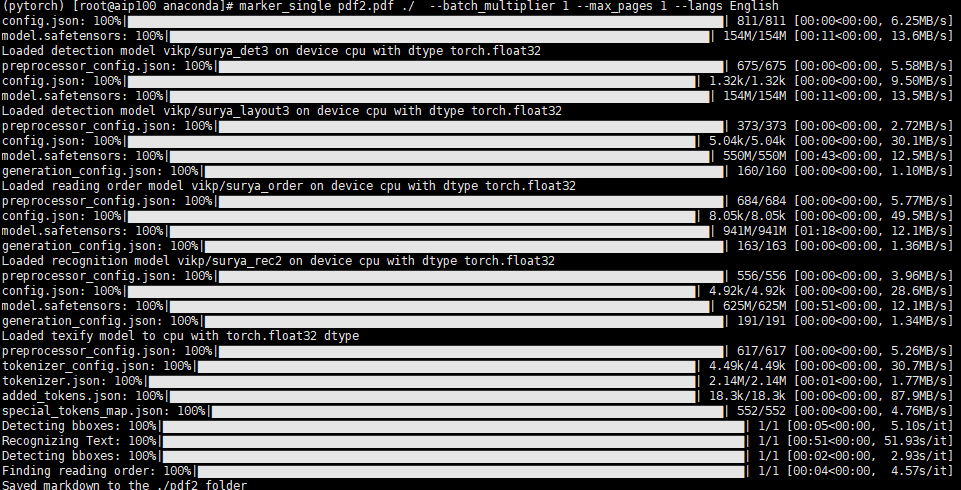
最终成功了兄弟们,不过很慢,转换页数稍微调大点就出现下面这个问题了:
RuntimeError: [enforce fail at alloc_cpu.cpp:117] err == 0. DefaultCPUAllocator: can't allocate memory: you tried to allocate 805306368bytes. Error code 12 (Cannot allocate memory)

2.1、问题:ImportError: libGL.so.1: cannot open shared object file: No such file or directory
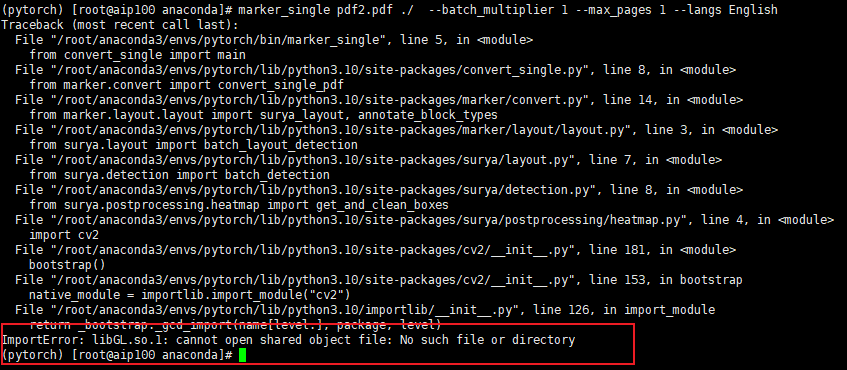
解决:安装 mesa-libGL.x86_64 。
yum install mesa-libGL.x86_64参考: https://blog.csdn.net/qq_39691492/article/details/130688233
2.2、问题:RuntimeError: unable to mmap 940533088 bytes from
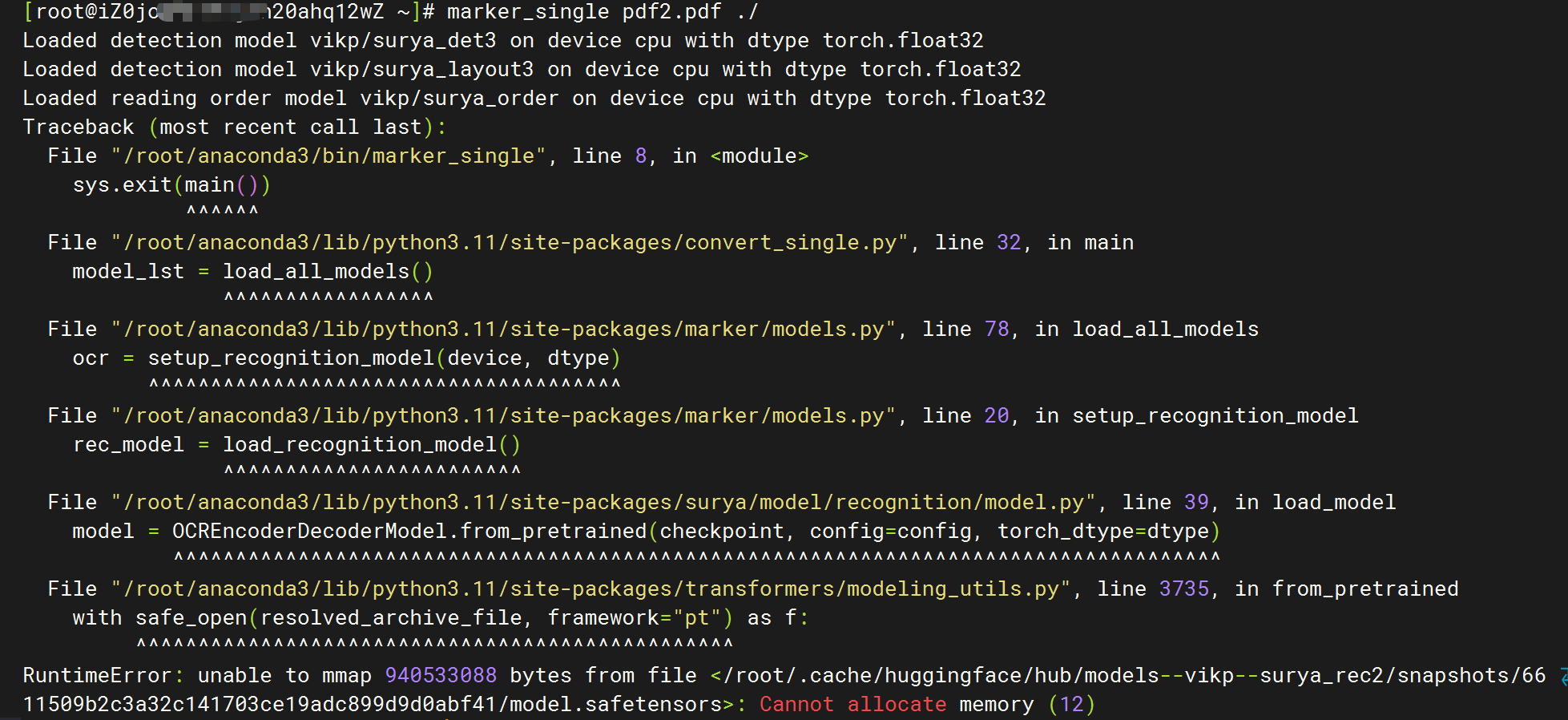
RuntimeError: unable to mmap 940533088 bytes from file </root/.cache/huggingface/hub/models--vikp--surya_rec2/snapshots/6611509b2c3a32c141703ce19adc899d9d0abf41/model.safetensors>: Cannot allocate memory (12)
报错解释:
这个错误通常发生在使用Python的PyTorch框架时,尤其是在尝试加载一个大型模型到内存时。RuntimeError: unable to mmap 940533088 bytes from file 表示程序无法从文件中映射指定大小(这里是940533088字节,约等于912MB)的内存区域。这通常是因为系统中没有足够的连续内存可供映射,或者映射的内存大小超过了操作系统允许的单个映射区域的大小限制。
出现这个问题机器是2c2g,后来改成4c4g成功了,不过很慢。